
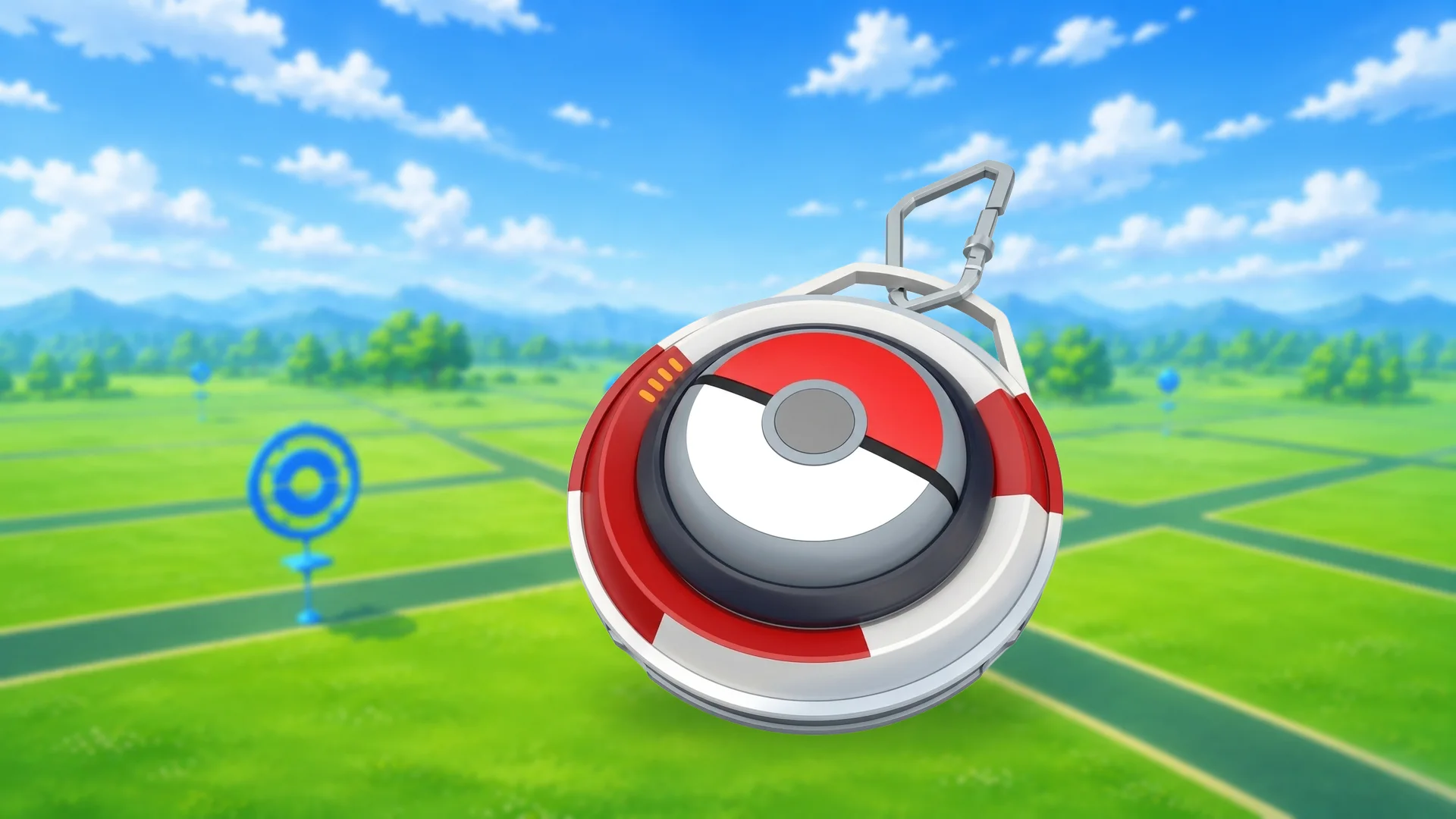

Scopely has given the Explorer Gadget its first big update, and it now helps you out while you’ve actually got Pokémon GO open. A handful of other changes have rolled out alongside it, including one to Power Spots that’s worth knowing about if you do Max Battles.
What’s happening with the Explorer Gadget
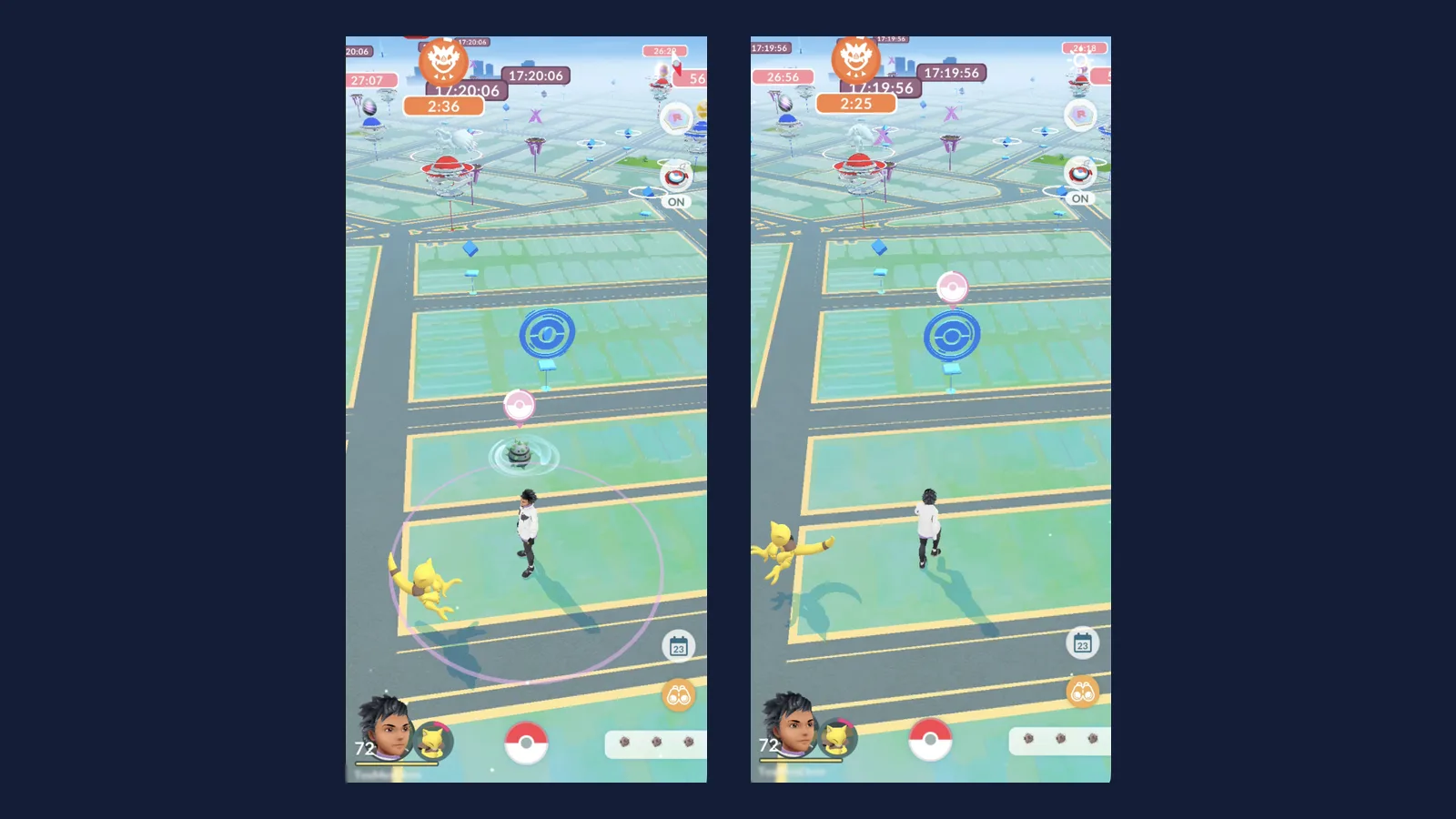
- Explorer Gadget: now catches and spins while you’re actively playing, with a pink Poké Ball marking what it’s about to do.
- Catch summary: a new look that makes rewards and catch bonuses clearer.
- Appraise button: quicker appraisals from a dedicated button on each Pokémon’s summary page.
- Power Spots: no more special wild encounters around them after a Max Battle.
- Visual updates: new rings around lured and Route Pokémon, clearer spun PokéStops, and new effects for Mystery Box and Coin Bag spawns.
The Explorer Gadget now works while you play Pokémon GO
Until now the Explorer Gadget only worked in the background, catching Pokémon and spinning PokéStops while you walked around with Pokémon GO closed. It still does that, but it now also works while you’re actively playing.
How do I turn on the Explorer Gadget?
You need to be level 20 or higher. Tap the Explorer Gadget icon at the top right of the map, or find it in the Key Items section of your Item Bag. Once it’s on, it works whether the app is open or closed.
What does the pink Poké Ball mean?
While you’re playing with the Explorer Gadget switched on, a pink Poké Ball appears over any Pokémon or PokéStop it’s trying to catch or spin. That’s how you can tell what it’s working on without leaving the map.
Can I catch a Pokémon myself instead of the Explorer Gadget?
Yes. Tap the Pokémon or PokéStop the Explorer Gadget is working on and you take over from it. You only get a short window once the pink Poké Ball appears, so tap quickly if there’s something you’d rather catch with a better ball.
Which Pokémon won’t the Explorer Gadget catch?
It won’t try to catch Pokémon that aren’t registered in your Pokédex yet, or mighty Pokémon, so new Pokémon and mighty catches are still yours to do.
Can I use it with a Pokémon GO Plus +?
You don’t need to unpair a Pokémon GO Plus + or any other accessory to use the Explorer Gadget, but the two can’t be active at the same time. You pick one or the other.
How do I see what the Explorer Gadget caught?
Tap the Explorer Gadget icon on the map, or open it from Key Items in your Item Bag. It shows a summary of the Pokémon it caught and how many PokéStops it spun.
Power Spots no longer bring special wild encounters
This is the change that affects Max Battle players most. Visiting a Power Spot, or placing a Pokémon at one after winning a Max Battle, no longer triggers special wild encounters around that Power Spot. Scopely says it’s made the change so wild encounters are more consistent for every player.
New Appraise button and catch summary
Appraising is quicker now. There’s a dedicated Appraise button on a Pokémon’s summary page, sitting just above the Additional Options button, so you don’t have to dig through the menu to check IVs.
When you catch a Pokémon, you’ll also see a redesigned catch summary with clearer visuals, so it’s easier to see your rewards and any catch bonuses you picked up.
Other visual updates in Pokémon GO
- Encounter rings: the ring around wild Pokémon drawn in by a Lure Module, or found while exploring a Route, has a new look.
- Spun PokéStops: their colour saturation has changed so they stand out more clearly from ones you haven’t spun.
- Mystery Box and Coin Bag: the effects around Pokémon they attract have been updated.
What you need to know about this news
Does the Explorer Gadget work while Pokémon GO is open?
Yes. As well as working with the app closed, the Explorer Gadget now also tries to catch Pokémon and spin PokéStops while you're actively playing, as long as you've turned it on.
What does the pink Poké Ball on the map mean?
It shows which Pokémon or PokéStop the Explorer Gadget is about to catch or spin. Tap that Pokémon or PokéStop within the short window and you'll handle it yourself instead.
What level do you need to use the Explorer Gadget?
Level 20 or higher. Turn it on from its icon at the top right of the map, or from the Key Items section of your Item Bag.
Can I use the Explorer Gadget and a Pokémon GO Plus + at the same time?
No. You don't need to unpair your Pokémon GO Plus + or other accessory, but only one of them can be active at a time.
Which Pokémon won't the Explorer Gadget catch?
It won't try to catch Pokémon you haven't registered in your Pokédex yet, or mighty Pokémon.
Do Power Spots still spawn extra Pokémon after a Max Battle?
No. Visiting a Power Spot, or placing a Pokémon there after winning a Max Battle, no longer brings special wild encounters around it. Scopely says it's to keep wild encounters consistent for everyone.
Where is the new Appraise button in Pokémon GO?
On a Pokémon's summary page, just above the Additional Options button.